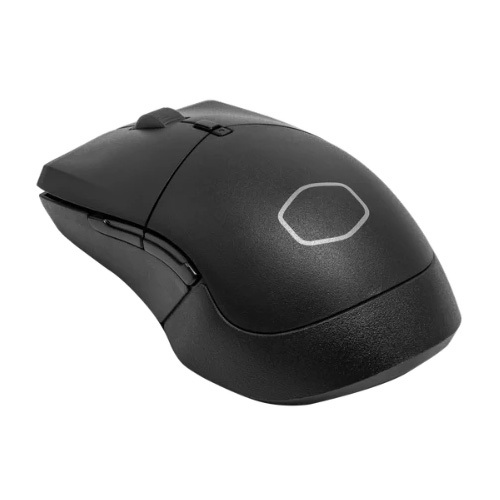
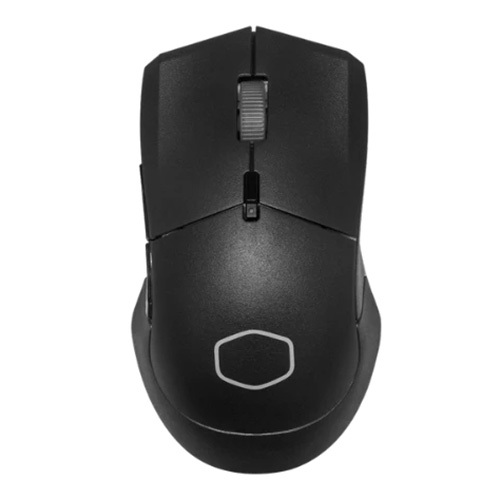
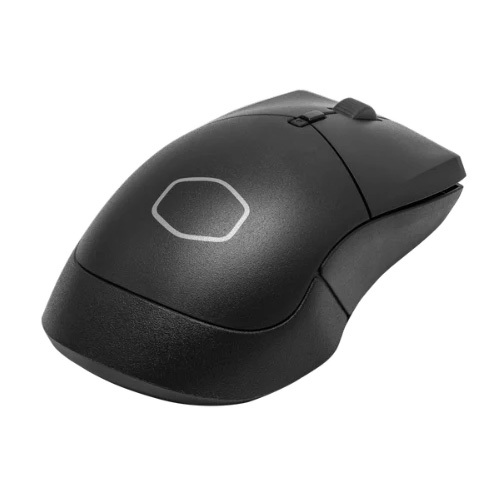
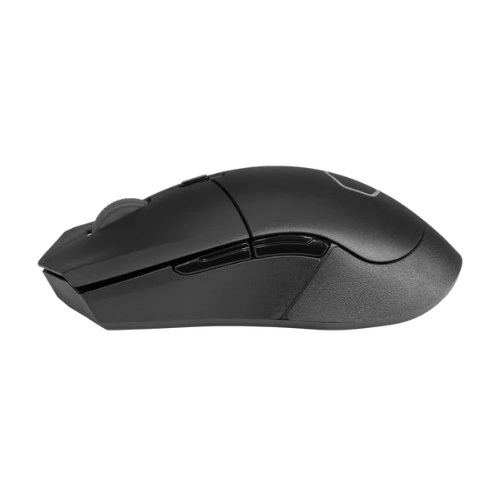
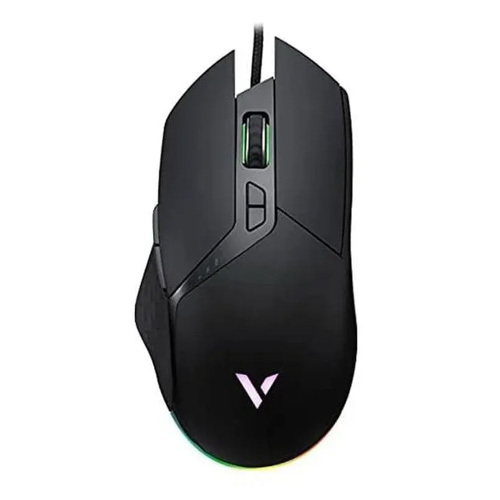
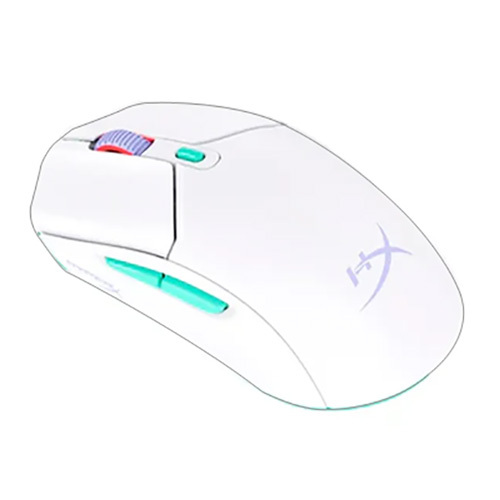
About COOLER MASTER MM311 Wireless Black Gaming Mouse
Specifications of COOLER MASTER MM311 Wireless Gaming Mouse (Black)
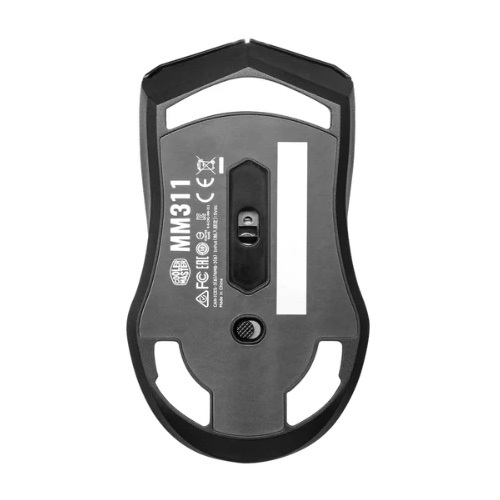
- Mouse Grip Type Palm, Claw
- Mouse Material ABS Plastic, Rubber, PTFE
- Mouse Color Black, White
- Mouse LED Color N/A
- Mouse Sensor Pixart 3325
- CPI / DPI 400-800-1,200(Default)-1600-3200-6400-10000
- Mouse Tracking Speed 100 ips
- Mouse Lift Off Distance N/A
- Mouse Polling Rate 125 / 250 / 500 / 1000 MHz (Switch via software)
- Angle Snapping Yes
- Mouse acceleration 20g
- Mouse Lifespan (L/R switches) Mechanical Switches, 60 Million
- Mouse Buttons 6
- Connectivity 2.4 GHz
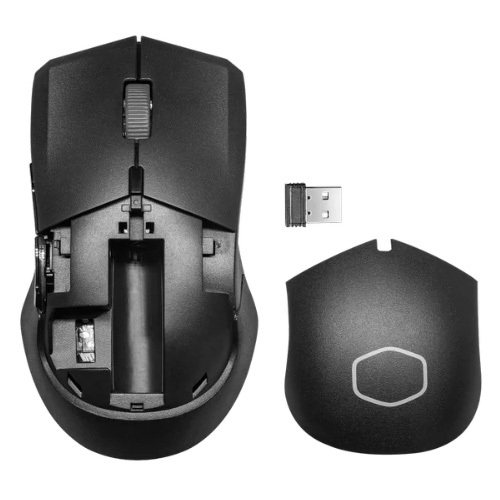
- Battery AA Battery*1
- Compatible OS Windows 8+, macOS
- Software Yes, Cooler Master MasterPlus+ Support
- Mouse Dimensions 125.5 x 71.0 x 40.5 mm / 4.94 x 2.80 x 1.59 inches
- Mouse Weight 54g / 0.12 lbs (w/o Battery), 77g / 0.17 lbs (w/ AA Battery*1)
- Warranty 2 years
- Product Mice
Performance and Precision in Every MoveEquipped with a PixArt PAW3325 optical sensor and a polling rate of 1000 Hz, the MM311 provides quick responses and pinpoint accuracy. Adjustable DPI settings let users tailor sensitivity for any genre or competitive scenario, while acceleration up to 20G makes every swipe count.
Ergonomic Build for Lasting ComfortDesigned with a matte-textured ABS plastic shell, the MM311 fits a variety of hand sizes. Weighing just 77g without the battery, it's easy to maneuver during marathon gaming sessions. Mechanical switches rated for 10 million clicks and PTFE feet ensure durable, smooth play.
Wireless Freedom and CustomizationEnjoy seamless gaming with a 2.4GHz wireless USB receiver supporting up to a 10-meter range. On-board memory allows storage of personal settings, and the MasterPlus+ software delivers advanced customization including DPI profiles, button assignments, and RGB lighting adjustments.
FAQ's of COOLER MASTER MM311 Wireless Black Gaming Mouse:
Q: How do I connect the COOLER MASTER MM311 Wireless Gaming Mouse to my computer?
A: Simply plug the included 2.4GHz USB wireless receiver into your computer's USB port. The MM311 will automatically connect within moments, providing a stable wireless range of up to 10 meters.
Q: What are the customization options available through the MasterPlus+ software?
A: The Cooler Master MasterPlus+ software allows you to adjust DPI settings (including up to 10,000 DPI), configure button functions, manage on-board memory profiles, and customize the single-zone RGB lighting on the scroll wheel.
Q: How long does a single AA battery last in the MM311?
A: The MM311 is highly energy-efficient and can deliver up to 115 hours of usage with just one AA battery, depending on your usage patterns and RGB lighting settings.
Q: What benefits do the PixArt PAW3325 sensor and 1000 Hz polling rate provide?
A: The PixArt PAW3325 optical sensor ensures precise tracking and responsiveness, making it suitable for fast-paced gaming. The 1000 Hz polling rate guarantees minimal lag and smooth cursor movements for both gaming and productivity.
Q: Is the MM311 suitable for both desktop and laptop use?
A: Yes, the MM311 is compatible with desktop and laptop computers via its wireless USB receiver, making it ideal for gaming or general computing wherever you need it.
Q: Can I use the MM311 for different games or work profiles?
A: Absolutely. With on-board memory and MasterPlus+ software, you can create and save multiple profiles for various games or tasks, making it simple to switch settings on the go.





 Send Inquiry

 Send Inquiry
 Send Inquiry
 Send SMS